



PicTwinAI
Home/AI Photo Styles/Dating photo ideas that start conversations
★ Dating

Dating photo ideas that start conversations

The best dating photos show your face clearly and give a match something to ask about. Below are twelve ideas for the slots most profiles leave empty, and how to make the missing ones from your own selfies with PictwinAI instead of waiting for a friend with a good camera.

30-day money-back guarantee50-photo welcome pack included
powered by:
Black Forest Labs FLUX
Google Gemini
Krea AI
as seen on:
TechCrunch
VentureBeat

Real results

Made with PictwinAI.

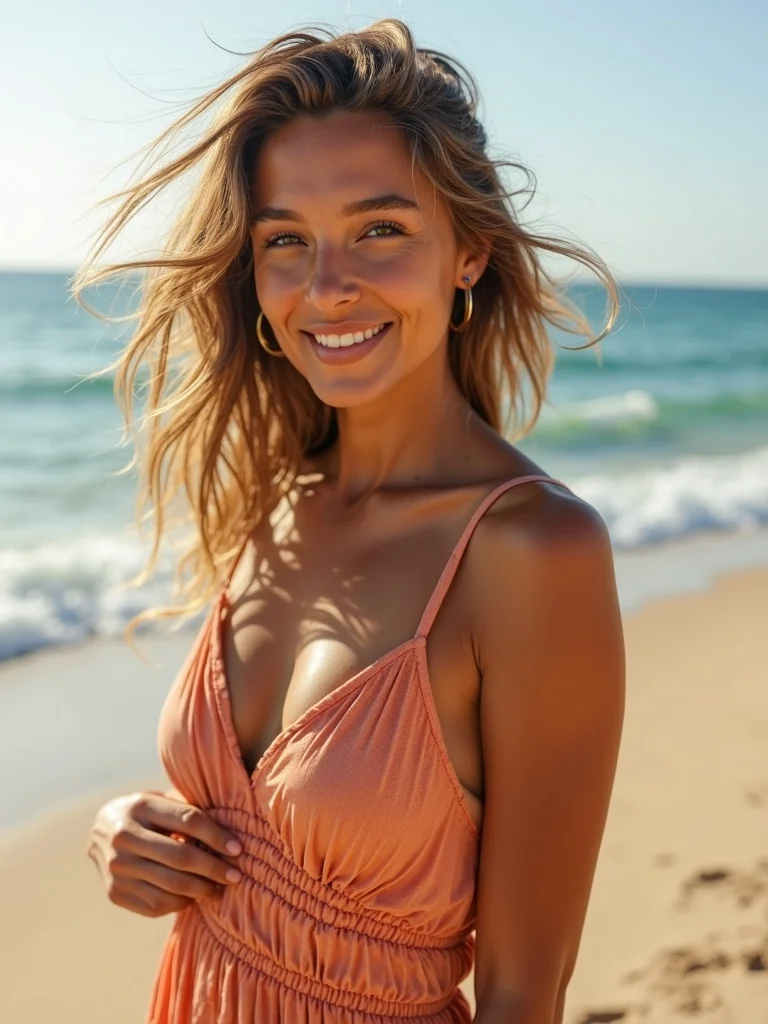
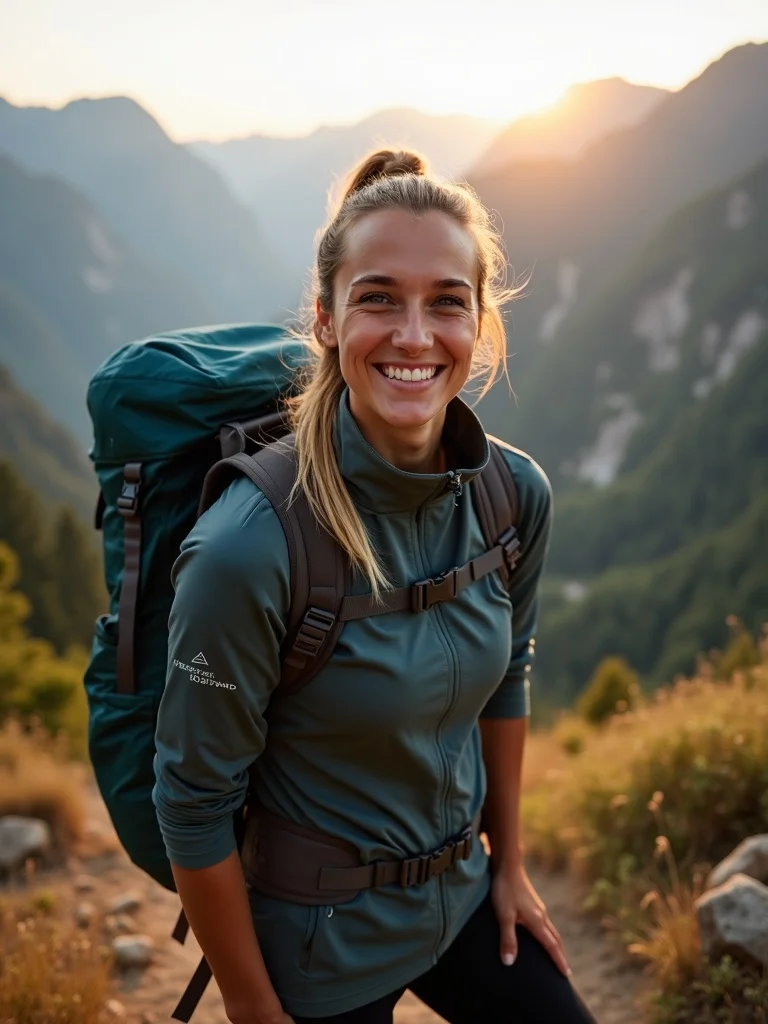
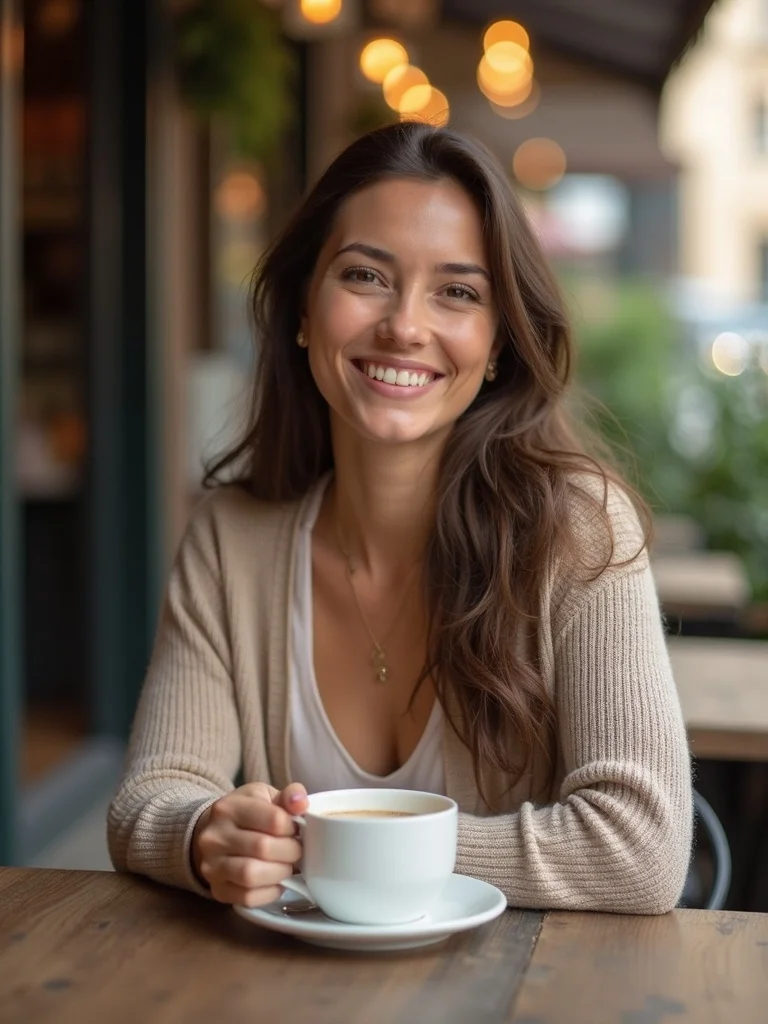
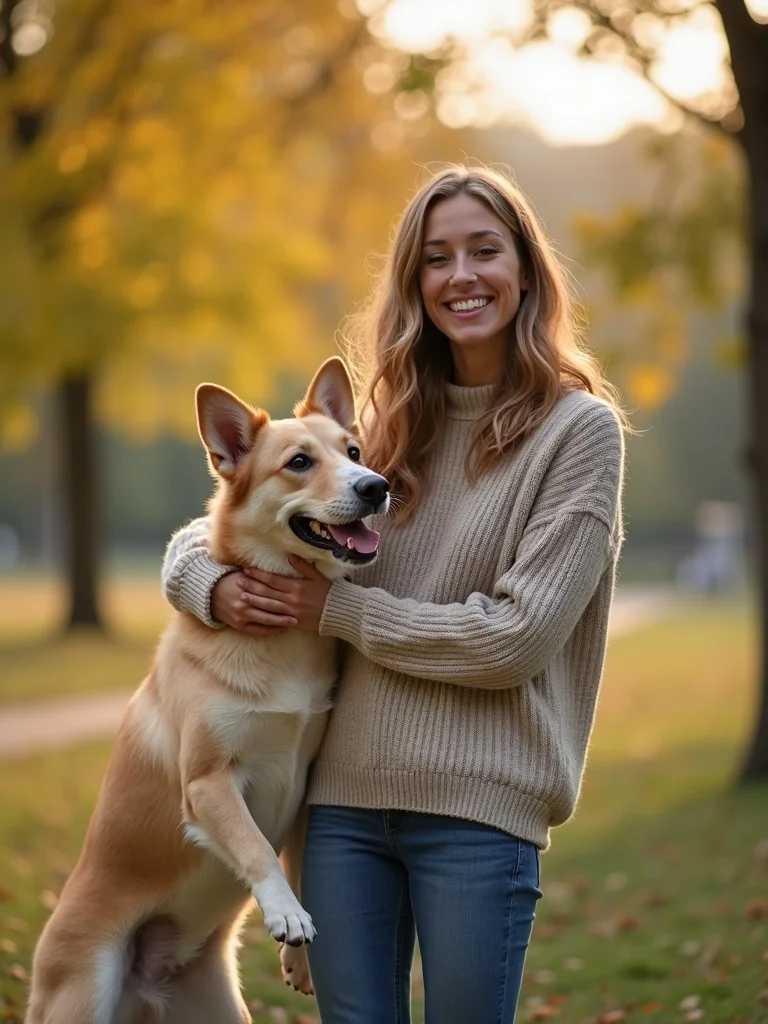
Every image below was generated with PictwinAI from a handful of ordinary selfies.

Here is exactly what happens

Three steps. About 30 minutes.

1

Upload 10 to 20 selfies

Different angles, expressions and lighting. Ordinary phone photos are fine. You cannot add more after training, so pick a varied set.

~2 minutes
2

Your private model trains

We build an AI model of your face on FLUX. Training typically takes about 30 minutes.

~30 minutes
3

Generate your photos

Every photo takes seconds. The Starter plan includes 150 photos a month plus a 50-photo welcome pack.

Seconds per photo

The guide

Everything you need to know

01

How to make the photos you are missing

Upload 10 to 20 photos of yourself, taken from different angles with different expressions and lighting; phone selfies are fine. PictwinAI trains a personal AI model on your face, which takes about 30 minutes. After that you can generate dating profile photos in seconds, across coffee shops, beaches, hiking trails, and urban backgrounds, without booking a photographer or coordinating outfits.

The Starter plan is $17.99 per month and includes 150 photos a month, one AI model, and a 50-photo welcome pack created right after you sign up. You cannot add more photos to a model once it has trained, so gather a varied set before you upload. If the photos don't look like you, email us within 30 days and we refund you, minus any credits you have spent.

02

12 dating photo ideas

Main photo: 1. A coffee-shop window seat in daylight, chest up, looking at the camera. 2. A plain outdoor wall in open shade with a real smile. 3. A close portrait on a city street at golden hour. Any of these works as the first slot because your face is clear and nothing else competes with it.

Full body: 4. Walking through a park or along a waterfront in a casual outfit. 5. Standing on a rooftop or bridge with the city behind you. One of these tells a match what to expect in person.

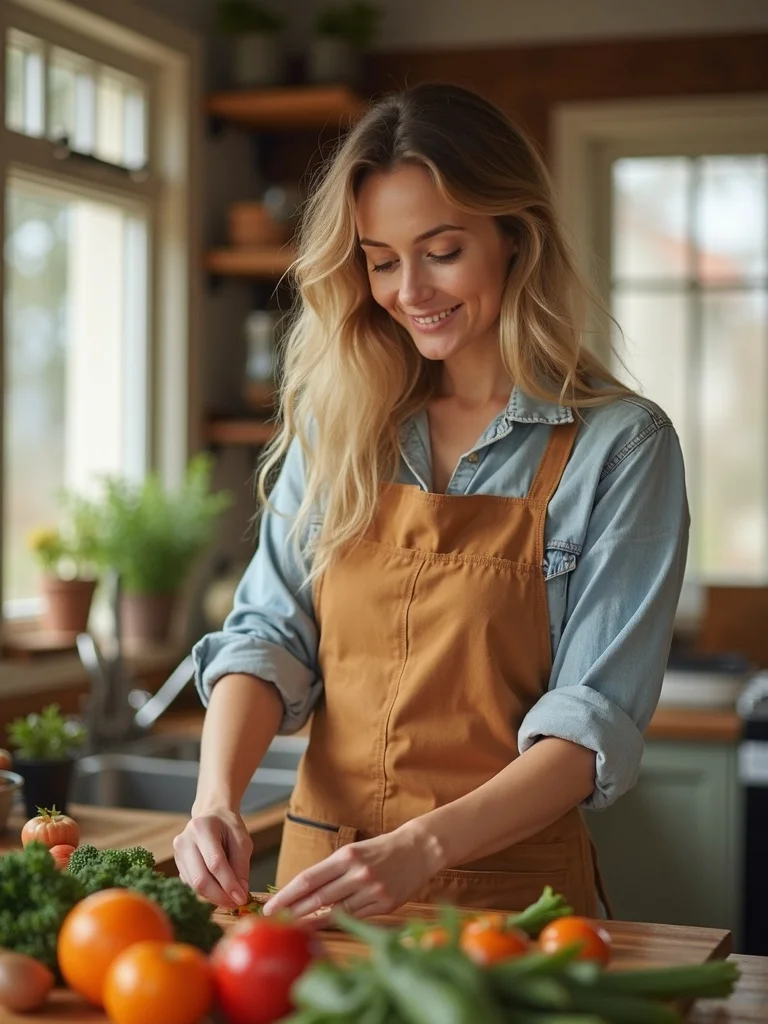
Hobbies and travel: 6. Cooking in a kitchen with ingredients on the counter. 7. On a hiking trail with a view behind you. 8. Holding a guitar, a climbing rope, a camera or whatever you actually use. 9. A travel shot somewhere you have really been. These are the photos people message about, so use only scenes that are true for you.

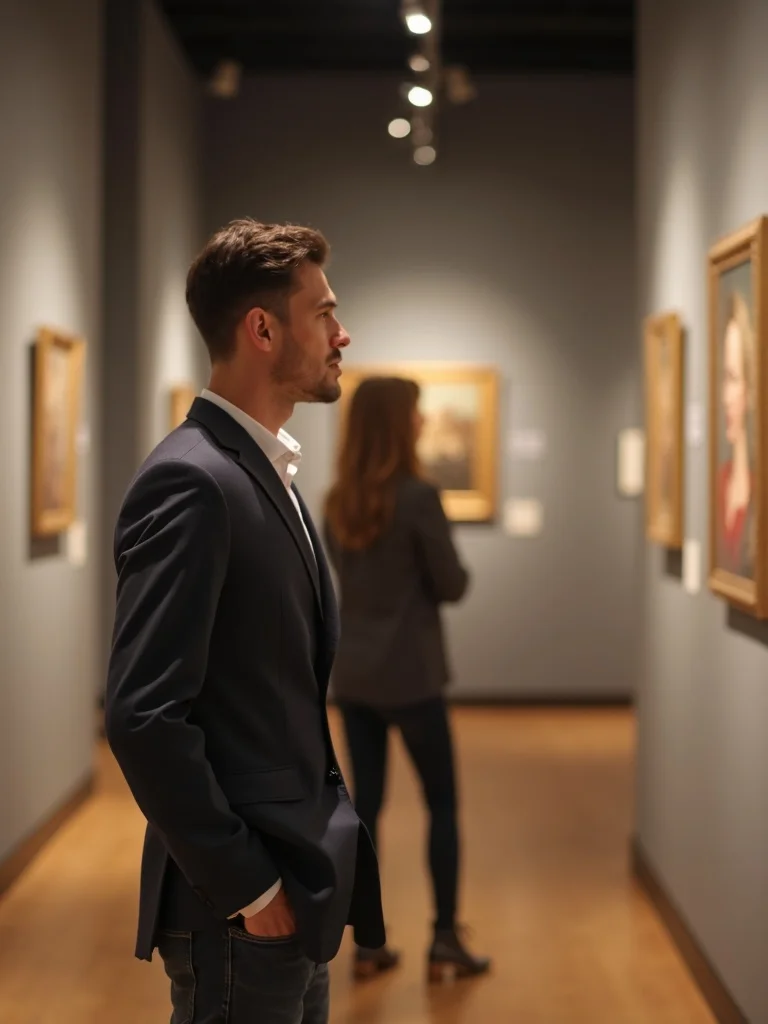
Social and dressed up: 10. At a dinner table in a jacket or a going-out outfit. 11. At a wedding-style event in formal wear. 12. Laughing on a patio as if mid-conversation, framed so you are the only face in focus. Skip group shots in the first three slots, where nobody can tell which one is you.

03

AI photos vs. a photographer, and what to expect

A studio session costs far more per finished photo and gives you a handful of retouched frames from one day in one outfit, with a photographer directing you. The AI route trades that hands-on direction for $17.99 a month for up to 150 photos across different looks and settings.

Not every generated photo will be a keeper. Make a batch, keep the few that genuinely look like you on a good day, and upscale those before downloading. That keep-and-discard cycle is normal, and it is why the plan includes 150 photos a month rather than a small fixed batch.

Perfect for

  • Tinder profile photos
  • Hinge profile pictures
  • Bumble photo galleries
  • Match.com profiles

What you get

Why PictwinAI

Ideas for every slot

A main photo, a full-body shot, hobby and travel photos, and one dressed-up photo, with a specific scene for each.

Scenes from your real life

Pick the ideas that match what you actually do, so the photo is a true opener rather than a costume.

Outfits that fit the scene

Casual for coffee, layers for a hike, a jacket for dinner. Describe the outfit and the model dresses you in it.

Keep only what looks like you

Generate several versions of each idea and keep the ones a friend would recognize as you.

Our Customers Love Us

700+ AI photos generated and counting.

PicTwin AI is incredible. I created photos of myself in various styles. It's like having a professional photoshoot at my fingertips. The results are mindblowing.

A

Ana C.

Verified Customer

I was part of the closed beta, and PicTwin AI exceeded my expectations. The AI-generated images look so realistic, my friends couldn't tell they weren't real photos! It's a bit like magic

D

Daniel D.

Member

I'm not a technical person, but I was able to create amazing photos with PicTwin AI. I don't understand how it works, but it works.

S

Stipe L.

Member

Josip gave me free beta access to PicTwin AI and I was able to create amazing photos of myself. I think it's worth the price.

A

Ante L.

Member

I was able to create professional headshots for my LinkedIn profile and my business website. It was easier to use than I expected and the results are believable.

S

Stefan D.

Member

I tried creating a virtual influencer for one of my instagram accounts in the self-help niche and it worked quite well. It could become a very powerful tool for content creation in the future.

I

Ivan L.

Member

I used PicTwin AI for my online dating profile to create a variety of photos in different settings and outfits. I was able to attract completely different types of women.

I

Ivan K.

Member

Sometimes it's hard to get it to do what I want. The trained models are not as flexible as Midjourney. I tried to create a photo of myself wearing halloween makeup, but because my training images did not contain any makeup, it was not able to generate a photo of me with makeup on. It's an interesting tool, but it's not perfect yet.

T

Tomislav T.

Member

I used it to create photos of myself infront of a billboard that contains my business's name and it was much easier than using photo editing software. It's easily worth the money because it can always come in handy to quickly generate AI images.

M

Marko V.

Member

Choose Your AI Journey

Lock in your price forever! As we add new features, prices increase for new members - but yours stays the same.

MonthlyAnnual

Starter

For casual creators and personal photos

$17.99$13.33/ month

$159.99 billed once a year

A year of looks for less than one photo session
3 MONTHS FREE

Billed $159.99 today. Renews automatically every year at $159.99 until you cancel. Cancel anytime in your account settings; cancellation takes effect at the end of the billing period.

  • 50-photo welcome pack, instantly
  • 1 AI model a month
  • 150 AI photos a month
  • Edit any photo
  • Virtual try-on
  • Commercial license
  • Standard support
What Most Members Choose

Pro

For creators, influencers and pros

$39.99$30/ month

$359.99 billed once a year

The full studio, 3x the output, plus video and personas
3 MONTHS FREE

Billed $359.99 today. Renews automatically every year at $359.99 until you cancel. Cancel anytime in your account settings; cancellation takes effect at the end of the billing period.

Everything in Starter, plus:

  • 3 AI models a month
  • 450 AI photos a month
  • AI video, bring photos to life$40 value
  • Invent AI models from scratch
  • One-click shoots, 4 looks at once
  • Priority support
  • Early access to new features
30-day money-back guarantee*
Powered by
Cancel anytime, no questions

No hidden fees. No surprises. Just great AI photos.

The deal, in plain words

If the photos don't look like you, we refund you

If the photos don't look like you, email [email protected] within 30 days of your most recent purchase to request a refund. The value of used credits is deducted.

30

Questions

Frequently asked questions

Will the dating photos actually look like me?
Yes. Your model is trained only on the selfies you upload, so results resemble you rather than a stock face. Likeness depends on how varied your uploads are. If the photos don't look like you, we refund you within 30 days, minus any credits you have used.
How many selfies do I need to upload?
10 to 20 photos of yourself with different angles, expressions, and lighting. Ordinary phone selfies work. You cannot add photos to a model after training, so pick a varied set the first time.
Can I use these photos on Tinder, Hinge, and Bumble?
Yes. Generated photos work on any dating app that accepts standard photos. The apps' rules cover content and decency, not how a photo was produced, but avoid photos that misrepresent how you look in person.
What happens to my uploaded selfies?
PictwinAI does not store them on its own servers. They are sent to fal.ai, our AI provider, to train your model. Models and generated images are hosted by fal.ai with a minimum 7-day retention period, so download the ones you want to keep.
How long do generated photos stay available?
Generated images are guaranteed for 7 days. Download the ones you want to keep; after that they may be removed from your account.

Get started

Your photos are one upload away.

30-day money-back guarantee50-photo welcome pack included