



PicTwinAI
Home/AI Photo Styles/AI Graduation Photo Generator
★ Milestone

AI Graduation Photo Generator

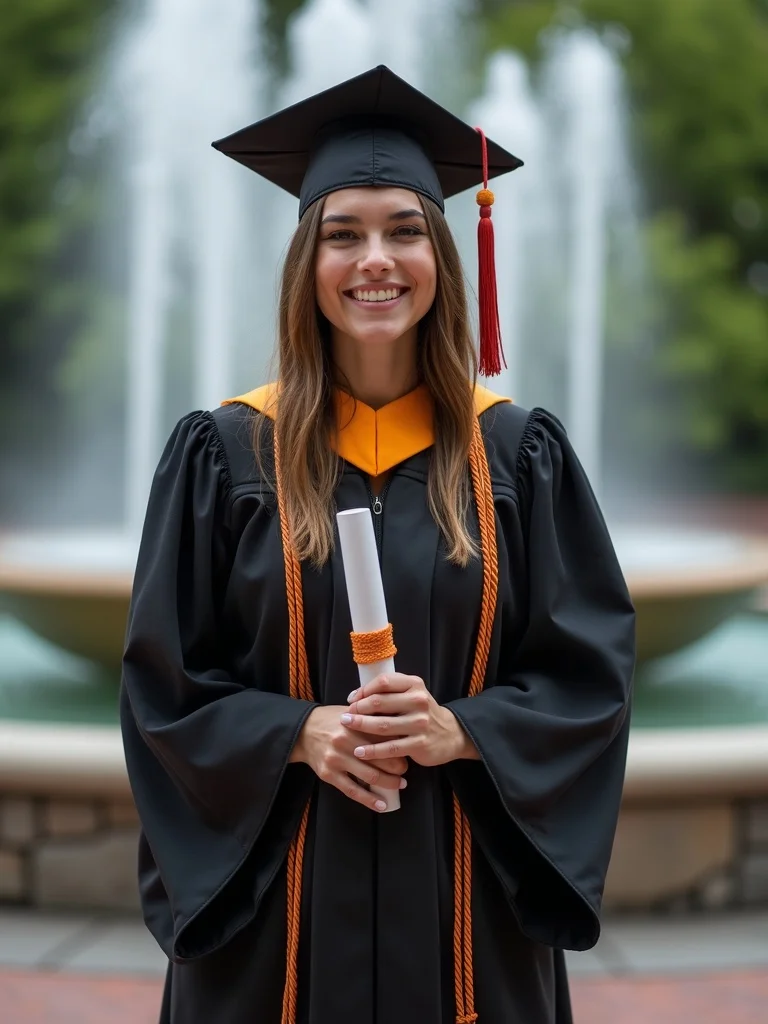
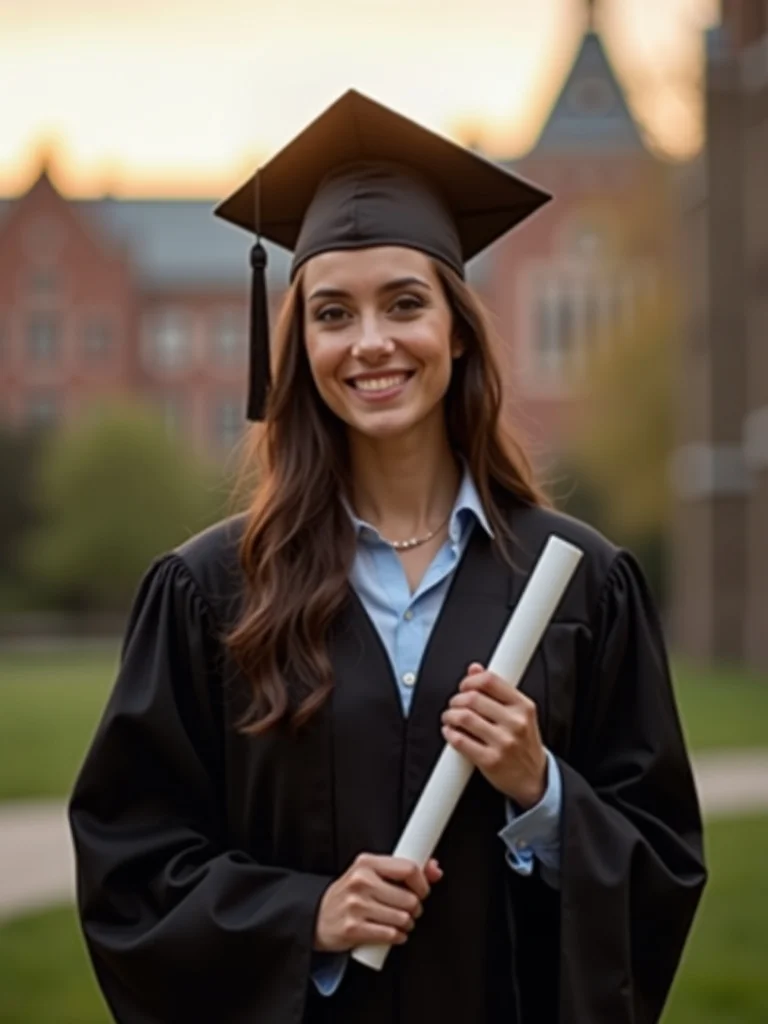
PictwinAI makes graduation photos of you in a cap and gown: upload selfies once, let a personal AI model train for about 30 minutes, then generate campus, diploma and cap-toss photos in seconds. Because the model learns your face from many photos, the whole set looks like the same person, which single-photo face editors often miss.

30-day money-back guarantee50-photo welcome pack included
powered by:
Black Forest Labs FLUX
Google Gemini
Krea AI
as seen on:
TechCrunch
VentureBeat

Real results

Made with PictwinAI.

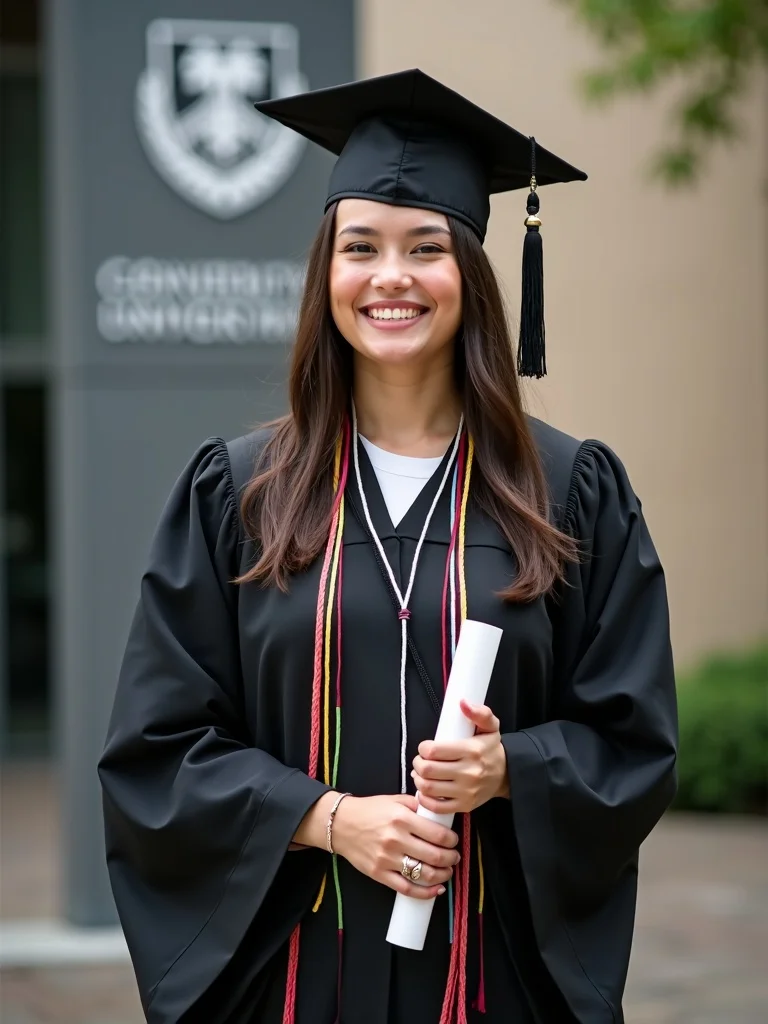
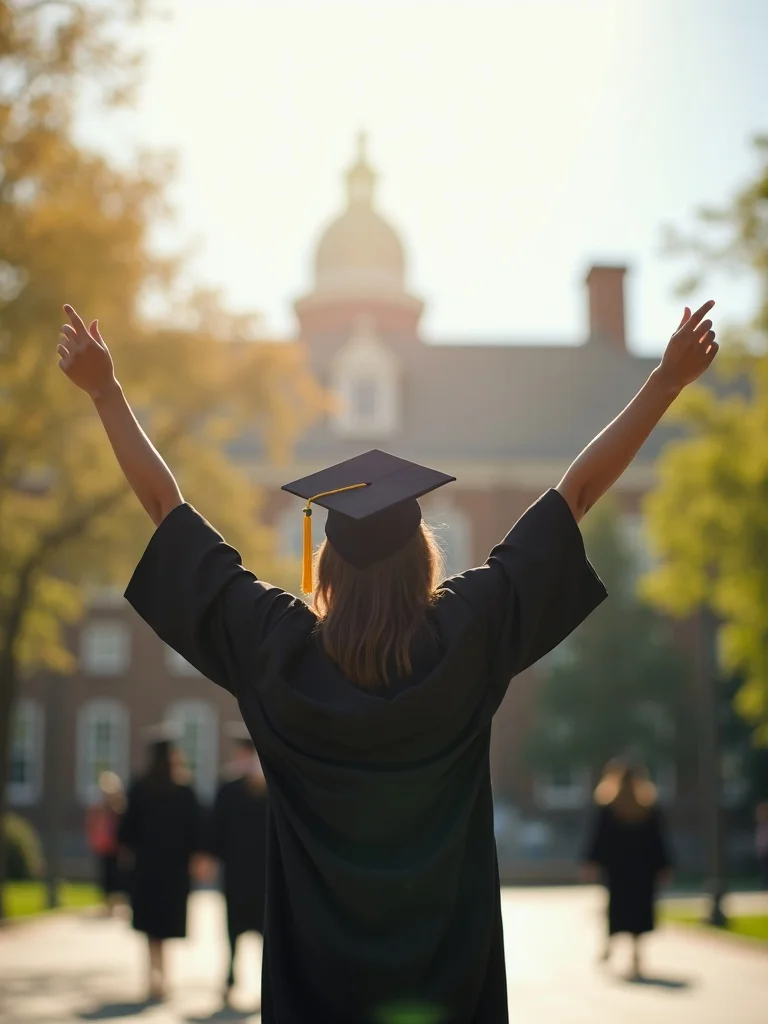
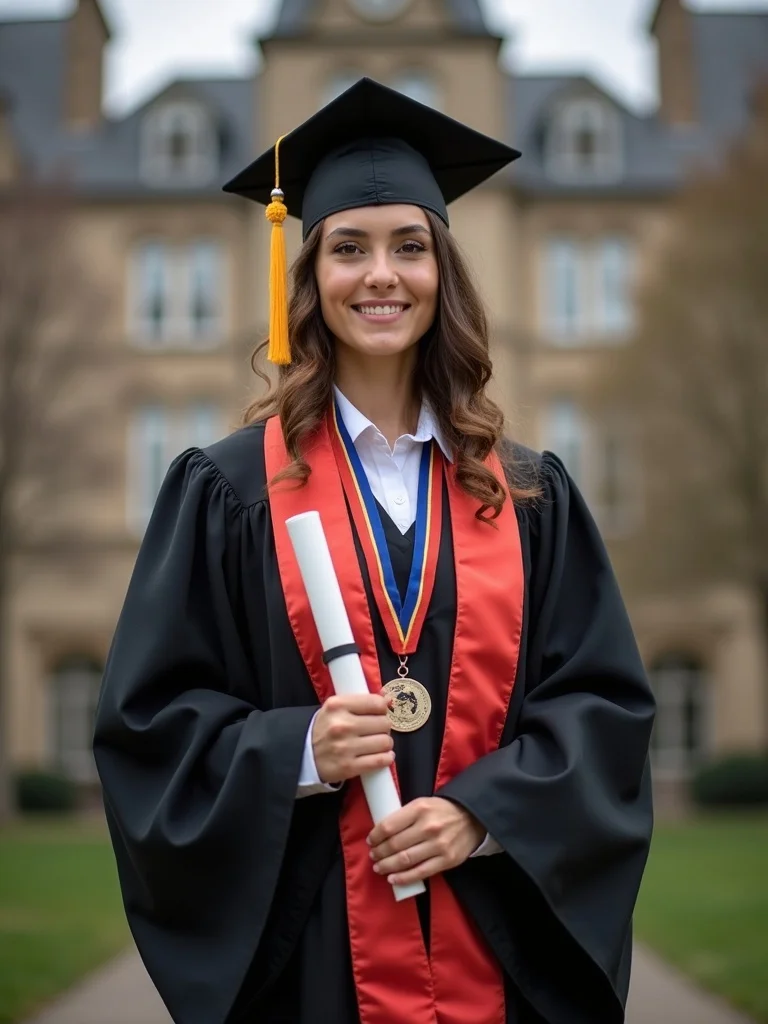
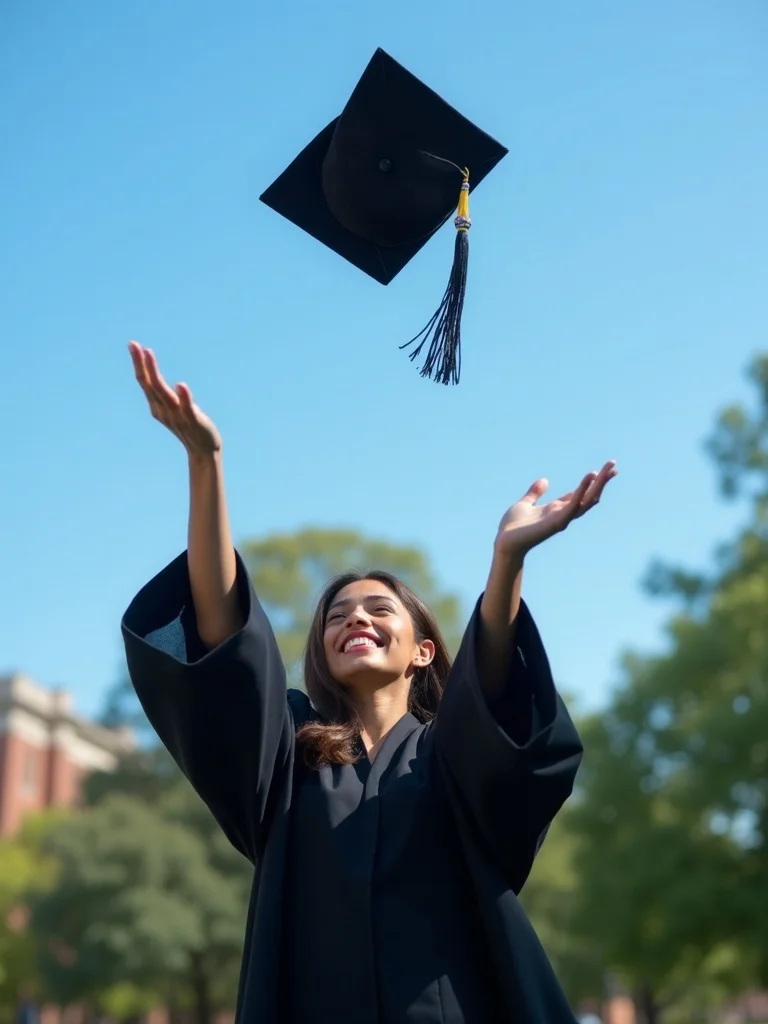
Every image below was generated with PictwinAI from a handful of ordinary selfies.

Here is exactly what happens

Three steps. About 30 minutes.

1

Upload 10 to 20 selfies

Different angles, expressions and lighting. Ordinary phone photos are fine. You cannot add more after training, so pick a varied set.

~2 minutes
2

Your private model trains

We build an AI model of your face on FLUX. Training typically takes about 30 minutes.

~30 minutes
3

Generate your photos

Every photo takes seconds. The Starter plan includes 150 photos a month plus a 50-photo welcome pack.

Seconds per photo

The guide

Everything you need to know

01

How the AI graduation photo generator works

Upload 10 to 20 recent photos of yourself from different angles and in different light; phone selfies are fine. PictwinAI trains a personal AI model on your face, which usually takes about 30 minutes. Then you describe the scene, such as navy gown, gold stole, library steps, holding a diploma, and generate graduation photos of yourself in seconds.

There is no free plan. The Starter plan is $17.99 per month and includes 150 photos a month, one AI model, and a 50-photo welcome pack created right after you sign up; you can cancel after the first month if graduation photos are all you need. You cannot add photos to a model after it trains, so upload a varied set the first time. If the photos don't look like you, email us within 30 days for a refund; the value of credits you used is deducted.

02

Graduation photo prompts you can copy

Formal portrait: "head and shoulders portrait in a black graduation gown and mortarboard, gold tassel, soft studio light, plain gray background, gentle smile." Use this one for LinkedIn and the front of an announcement card.

Campus: "standing on stone library steps in a navy gown and cap, white stole, late afternoon sun, trees in the background, holding a diploma folder." Cap toss: "throwing a graduation cap in the air on a green lawn, gown open, laughing, blue sky." Candid: "sitting on a brick wall in cap and gown, honor cords over the shoulders, looking off camera, golden hour."

Swap in your own colors, degree level, and setting. For master's or doctoral photos, add the hood and its color, or a doctoral tam instead of a mortarboard. In many US schools the tassel is worn on the right before the degree is conferred and moved to the left after, so pick the side that matches the moment you want to show.

03

What to expect, and when to book a photographer

Regalia is detailed, and generated photos vary. Some will look like a natural portrait of you; others will have a tassel on the wrong side, a stole that drapes oddly, or a hand that needs another try. Generate a batch for each scene, keep the few that look right, and upscale those before you print or post.

A senior or graduation portrait session costs far more per finished photo and gives you a small set of retouched photos from one day. Book one if you want photos with your family on your actual campus, or if your school or yearbook requires photos from its official photographer. The AI route suits announcements, social posts, a new LinkedIn photo, and filling the gap when you missed the campus shoot.

Perfect for

  • Graduation announcements and invitations
  • LinkedIn photo after graduating
  • Instagram and family group chat posts
  • Photos when you missed the campus shoot

What you get

Why PictwinAI

Cap, Gown and School Colors

Prompt the gown color, tassel color, stole, and honor cords you actually wore or will wear. Bachelor's mortarboards, master's hoods, and doctoral tams all work as prompts; small details like tassel side may need a second try.

Campus and Studio Scenes

Library steps, a brick archway, a tree-lined quad, a stadium, or a plain studio backdrop for a formal portrait. Describe a scene like your campus rather than naming a real building, and you will get a cleaner result.

Poses for Every Use

A formal head-and-shoulders portrait for LinkedIn and announcements, a diploma or degree-folder shot, a cap toss, and a relaxed candid for Instagram, all from the same upload.

Consistent Likeness Across the Set

Your model is trained on your own photos, so you look like yourself in every scene. That matters when an announcement card or post shows several photos side by side.

Our Customers Love Us

700+ AI photos generated and counting.

PicTwin AI is incredible. I created photos of myself in various styles. It's like having a professional photoshoot at my fingertips. The results are mindblowing.

A

Ana C.

Verified Customer

I was part of the closed beta, and PicTwin AI exceeded my expectations. The AI-generated images look so realistic, my friends couldn't tell they weren't real photos! It's a bit like magic

D

Daniel D.

Member

I'm not a technical person, but I was able to create amazing photos with PicTwin AI. I don't understand how it works, but it works.

S

Stipe L.

Member

Josip gave me free beta access to PicTwin AI and I was able to create amazing photos of myself. I think it's worth the price.

A

Ante L.

Member

I was able to create professional headshots for my LinkedIn profile and my business website. It was easier to use than I expected and the results are believable.

S

Stefan D.

Member

I tried creating a virtual influencer for one of my instagram accounts in the self-help niche and it worked quite well. It could become a very powerful tool for content creation in the future.

I

Ivan L.

Member

I used PicTwin AI for my online dating profile to create a variety of photos in different settings and outfits. I was able to attract completely different types of women.

I

Ivan K.

Member

Sometimes it's hard to get it to do what I want. The trained models are not as flexible as Midjourney. I tried to create a photo of myself wearing halloween makeup, but because my training images did not contain any makeup, it was not able to generate a photo of me with makeup on. It's an interesting tool, but it's not perfect yet.

T

Tomislav T.

Member

I used it to create photos of myself infront of a billboard that contains my business's name and it was much easier than using photo editing software. It's easily worth the money because it can always come in handy to quickly generate AI images.

M

Marko V.

Member

Choose Your AI Journey

Lock in your price forever! As we add new features, prices increase for new members - but yours stays the same.

MonthlyAnnual

Starter

For casual creators and personal photos

$17.99$13.33/ month

$159.99 billed once a year

A year of looks for less than one photo session
3 MONTHS FREE

Billed $159.99 today. Renews automatically every year at $159.99 until you cancel. Cancel anytime in your account settings; cancellation takes effect at the end of the billing period.

  • 50-photo welcome pack, instantly
  • 1 AI model a month
  • 150 AI photos a month
  • Edit any photo
  • Virtual try-on
  • Commercial license
  • Standard support
What Most Members Choose

Pro

For creators, influencers and pros

$39.99$30/ month

$359.99 billed once a year

The full studio, 3x the output, plus video and personas
3 MONTHS FREE

Billed $359.99 today. Renews automatically every year at $359.99 until you cancel. Cancel anytime in your account settings; cancellation takes effect at the end of the billing period.

Everything in Starter, plus:

  • 3 AI models a month
  • 450 AI photos a month
  • AI video, bring photos to life$40 value
  • Invent AI models from scratch
  • One-click shoots, 4 looks at once
  • Priority support
  • Early access to new features
30-day money-back guarantee*
Powered by
Cancel anytime, no questions

No hidden fees. No surprises. Just great AI photos.

The deal, in plain words

If the photos don't look like you, we refund you

If the photos don't look like you, email [email protected] within 30 days of your most recent purchase to request a refund. The value of used credits is deducted.

30

Questions

Frequently asked questions

Is there a free AI graduation photo generator?
Some tools offer a free photo or two, usually by editing one uploaded picture. PictwinAI has no free plan: it trains a model on your face, which costs compute. One month of Starter is $17.99 for 150 photos plus a 50-photo welcome pack, and you can cancel afterwards.
Will the graduation photos look like me?
Your model is trained only on the selfies you upload, so results resemble you rather than a stock face, and stay consistent across scenes. Likeness depends on how varied your uploads are. If the photos don't look like you, request a refund within 30 days; the value of used credits is deducted.
Can I match my school's cap and gown colors?
Yes. Prompt the gown, tassel, stole, and honor cord colors you want. The model generates you wearing them, though small details like tassel side can vary, so generate a few versions and keep the ones that look right.
Can I use AI graduation photos for the yearbook?
Check with your school first. Many yearbooks and official programs require photos from the school's contracted photographer or a recent real photo. AI graduation photos are best for announcements, social posts, and LinkedIn.
What happens to my uploaded selfies?
PictwinAI does not store them on its own servers. They are sent to fal.ai, our AI provider, to train your model. Models and generated images are hosted by fal.ai with a minimum 7-day retention period, so download the ones you want to keep.

Get started

Your photos are one upload away.

30-day money-back guarantee50-photo welcome pack included