


PicTwinAI
Home/AI Photo Styles/AI Photos for Instagram
★ Instagram

AI Photos for Instagram

Instagram's own Meta AI makes quick images in chats and stories. PictwinAI trains a model on 10 to 20 of your selfies, so the photos you post to your feed look like you, shot after shot, in any setting you describe.

30-day money-back guarantee50-photo welcome pack included
powered by:
Black Forest Labs FLUX
Google Gemini
Krea AI
as seen on:
TechCrunch
VentureBeat

Real results

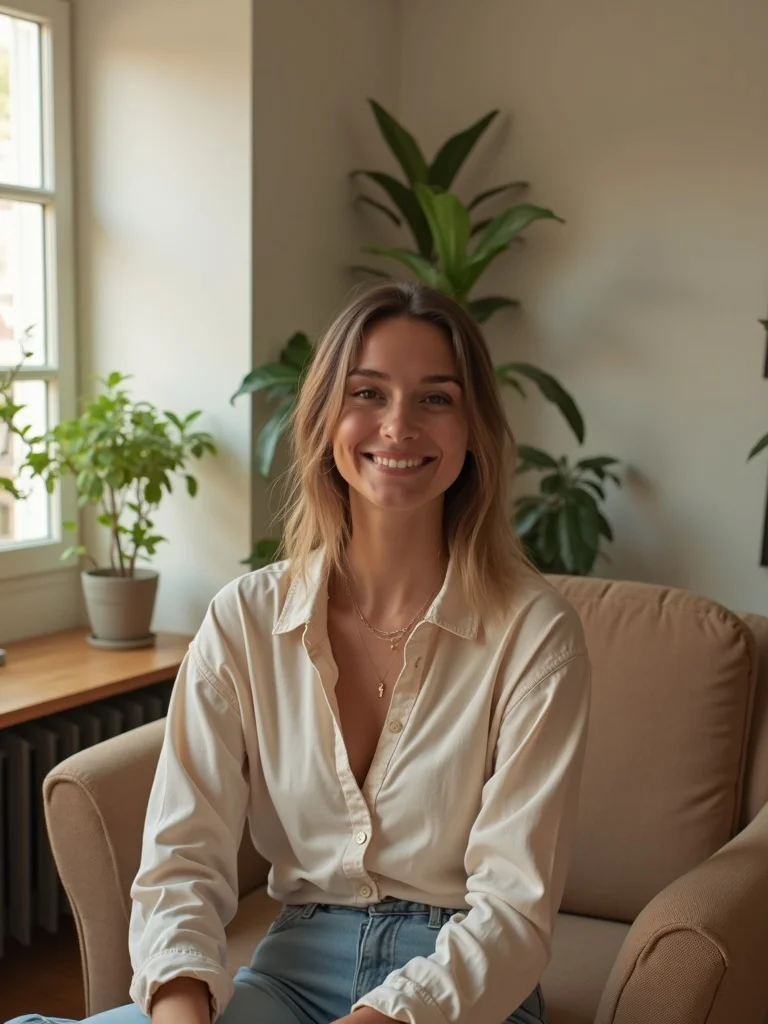
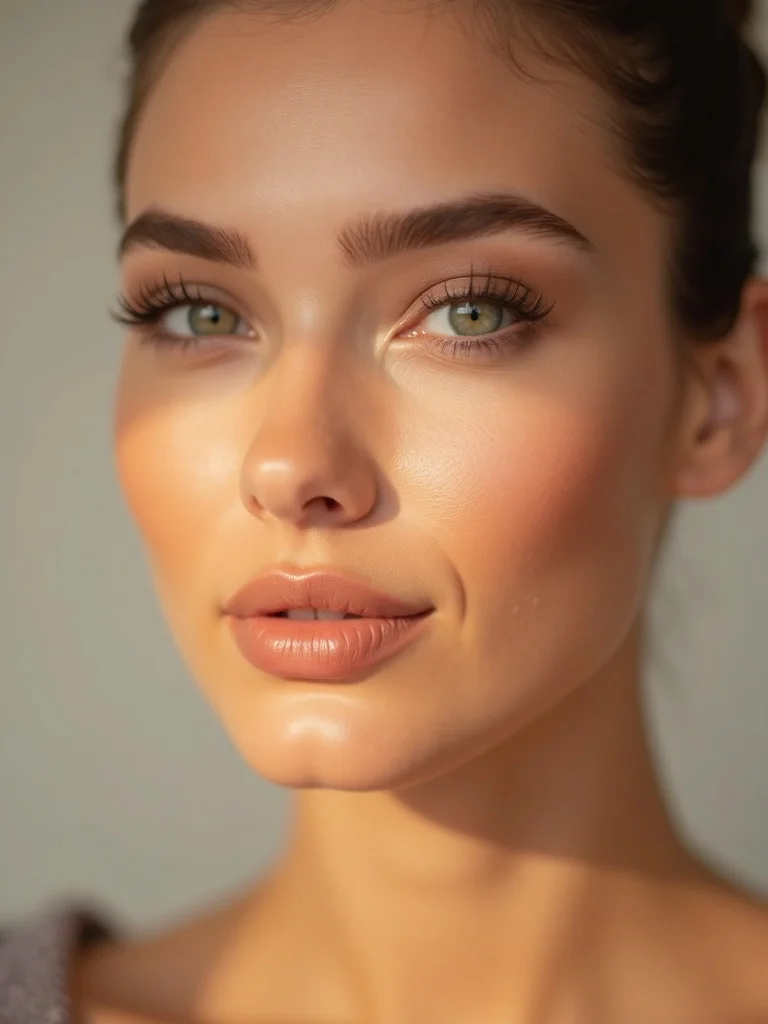
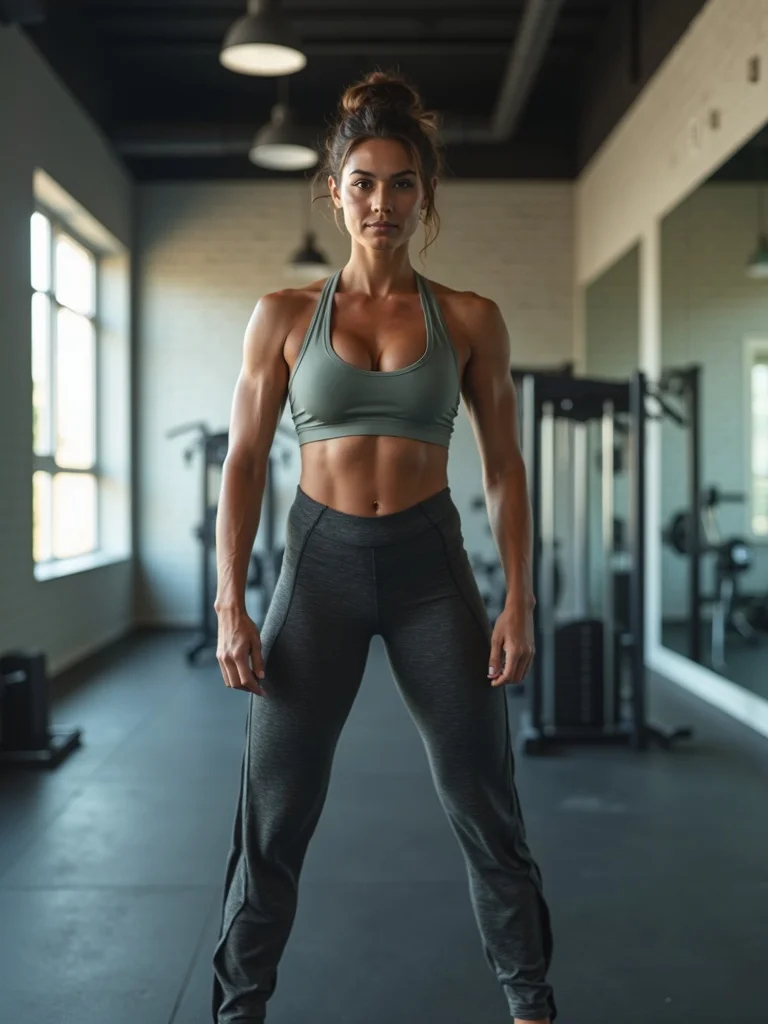
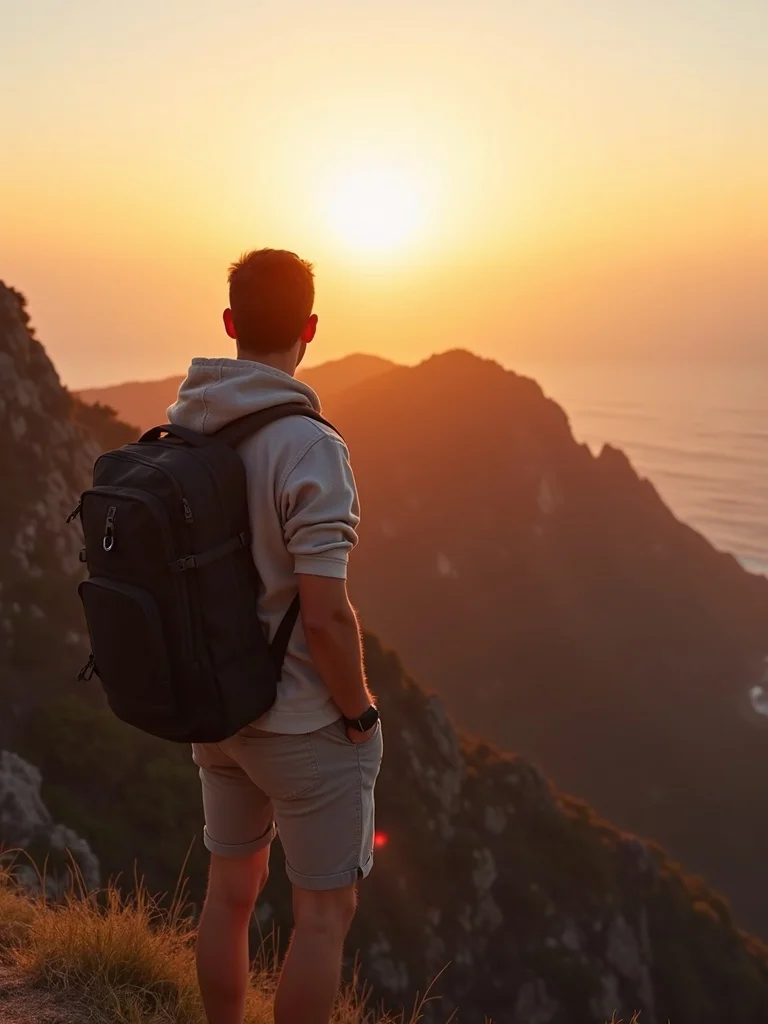
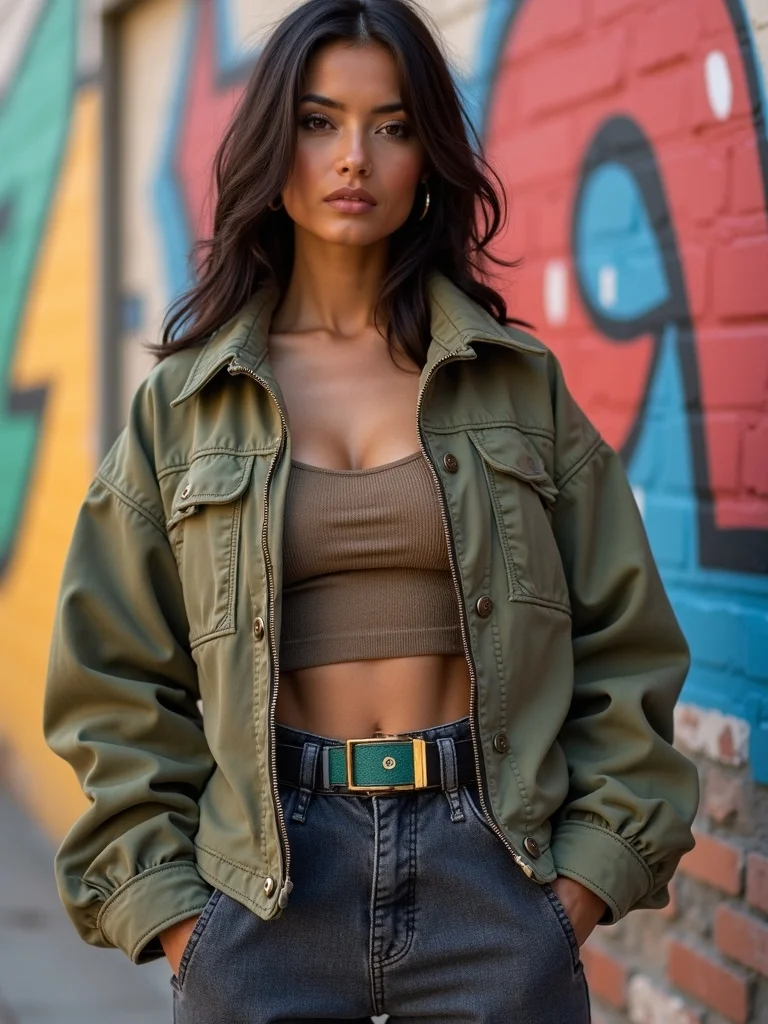
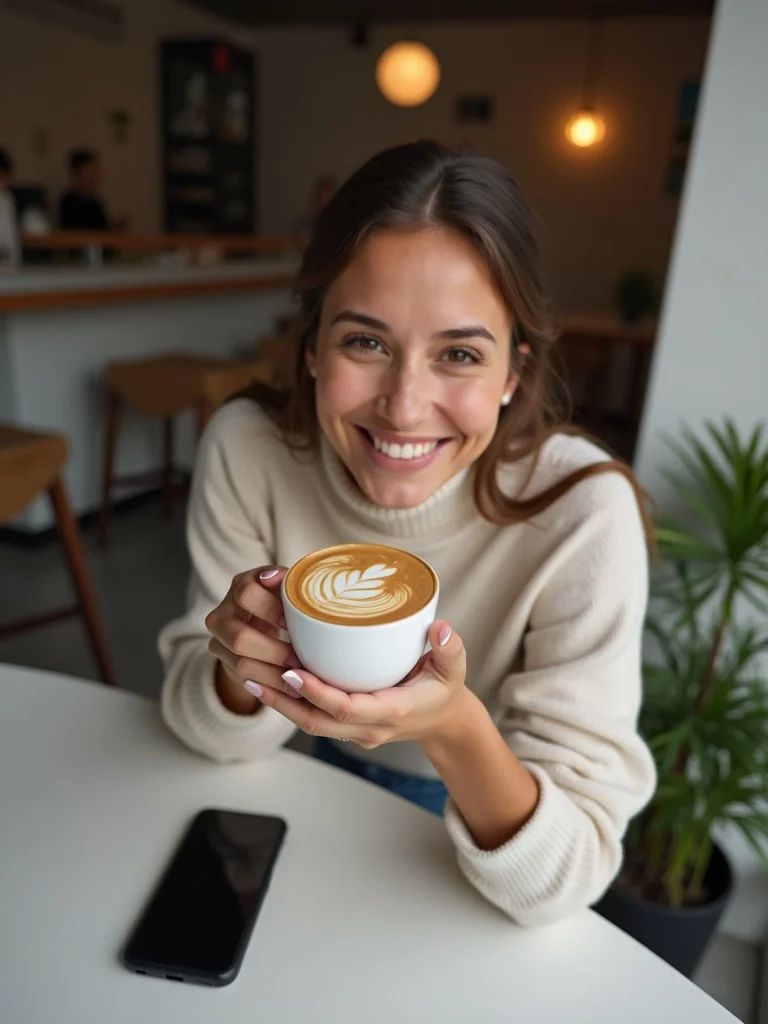
Made with PictwinAI.

Every image below was generated with PictwinAI from a handful of ordinary selfies.

Here is exactly what happens

Three steps. About 30 minutes.

1

Upload 10 to 20 selfies

Different angles, expressions and lighting. Ordinary phone photos are fine. You cannot add more after training, so pick a varied set.

~2 minutes
2

Your private model trains

We build an AI model of your face on FLUX. Training typically takes about 30 minutes.

~30 minutes
3

Generate your photos

Every photo takes seconds. The Starter plan includes 150 photos a month plus a 50-photo welcome pack.

Seconds per photo

The guide

Everything you need to know

01

How to create AI images on Instagram

Instagram has image generation built in through Meta AI. According to Instagram's own guide, you can open the search bar in your DMs or mention Meta AI in a chat, then type a prompt such as "Imagine me as a gladiator". The first time you use "Imagine me", it asks you to add photos of yourself. For stories, tap the + icon and look for "AI images" at the top of the screen, then pick a suggested prompt or write your own. You can also send a photo to Meta AI in a chat and tell it what to add, remove or change.

Which of these you see depends on your country, language and account, so the menu may look different on your phone. The built-in tools are free and fast, and they are made for playful images you share in a chat or a story.

02

When an AI model trained on you works better

If you want photos for your feed rather than a one-off joke in a chat, you need the same face in every shot, full-size downloads and control over the scene. That is what PictwinAI does: upload 10 to 20 selfies with different angles, expressions and lighting, wait about 30 minutes while your personal model trains, then generate each photo in seconds.

You cannot add photos to a model after it has trained, so pick a varied set the first time. If the photos don't look like you, email us within 30 days and we refund you, minus any credits you have spent.

03

Making AI photos work in a feed

A feed reads as one thing before anyone studies a single post. Pick a color grade, a framing or a mood and keep generating inside it; a grid of shots that share a look holds together far better than ten good photos in ten different styles.

Generate for the slot you are filling. Feed posts, stories and reel covers crop differently, so ask for the shape you need. Not every image will be a keeper: make a batch, keep the ones that look like you and fit the grid, and leave the rest.

04

Posting AI photos honestly

Meta says it labels content made with its own AI tools and content that carries industry-standard AI signals, and it asks creators to label realistic AI video and audio. Even where a still image does not need a label, be straight with your followers and any brand you work with: an AI photo of you in Tokyo is fine for a mood post, but not as proof that you went.

Perfect for

  • Feed posts
  • Story images
  • Reel covers
  • Profile pictures
  • Travel and lifestyle content
  • Brand and creator content

What you get

Why PictwinAI

Your face, not a lookalike

Your model is trained only on the selfies you upload, so every image keeps your features. That is what lets a series of posts read as the same person across weeks of content.

Any setting you can describe

Describe the scene, outfit and light: a Lisbon rooftop at golden hour, a winter cabin, a clean studio backdrop. You get the shot without the trip, the wardrobe or the weather.

Built for each format

Generate square or portrait images for the feed, vertical images for stories and covers for reels, so you are not cropping one photo into every shape.

Starter plan: 150 photos a month

Starter is $17.99 a month with 150 photos and a 50-photo welcome pack. Make a batch, keep the shots that fit your grid and look like you, and upscale those.

Our Customers Love Us

700+ AI photos generated and counting.

PicTwin AI is incredible. I created photos of myself in various styles. It's like having a professional photoshoot at my fingertips. The results are mindblowing.

A

Ana C.

Verified Customer

I was part of the closed beta, and PicTwin AI exceeded my expectations. The AI-generated images look so realistic, my friends couldn't tell they weren't real photos! It's a bit like magic

D

Daniel D.

Member

I'm not a technical person, but I was able to create amazing photos with PicTwin AI. I don't understand how it works, but it works.

S

Stipe L.

Member

Josip gave me free beta access to PicTwin AI and I was able to create amazing photos of myself. I think it's worth the price.

A

Ante L.

Member

I was able to create professional headshots for my LinkedIn profile and my business website. It was easier to use than I expected and the results are believable.

S

Stefan D.

Member

I tried creating a virtual influencer for one of my instagram accounts in the self-help niche and it worked quite well. It could become a very powerful tool for content creation in the future.

I

Ivan L.

Member

I used PicTwin AI for my online dating profile to create a variety of photos in different settings and outfits. I was able to attract completely different types of women.

I

Ivan K.

Member

Sometimes it's hard to get it to do what I want. The trained models are not as flexible as Midjourney. I tried to create a photo of myself wearing halloween makeup, but because my training images did not contain any makeup, it was not able to generate a photo of me with makeup on. It's an interesting tool, but it's not perfect yet.

T

Tomislav T.

Member

I used it to create photos of myself infront of a billboard that contains my business's name and it was much easier than using photo editing software. It's easily worth the money because it can always come in handy to quickly generate AI images.

M

Marko V.

Member

Choose Your AI Journey

Lock in your price forever! As we add new features, prices increase for new members - but yours stays the same.

MonthlyAnnual

Starter

For casual creators and personal photos

$17.99$13.33/ month

$159.99 billed once a year

A year of looks for less than one photo session
3 MONTHS FREE

Billed $159.99 today. Renews automatically every year at $159.99 until you cancel. Cancel anytime in your account settings; cancellation takes effect at the end of the billing period.

  • 50-photo welcome pack, instantly
  • 1 AI model a month
  • 150 AI photos a month
  • Edit any photo
  • Virtual try-on
  • Commercial license
  • Standard support
What Most Members Choose

Pro

For creators, influencers and pros

$39.99$30/ month

$359.99 billed once a year

The full studio, 3x the output, plus video and personas
3 MONTHS FREE

Billed $359.99 today. Renews automatically every year at $359.99 until you cancel. Cancel anytime in your account settings; cancellation takes effect at the end of the billing period.

Everything in Starter, plus:

  • 3 AI models a month
  • 450 AI photos a month
  • AI video, bring photos to life$40 value
  • Invent AI models from scratch
  • One-click shoots, 4 looks at once
  • Priority support
  • Early access to new features
30-day money-back guarantee*
Powered by
Cancel anytime, no questions

No hidden fees. No surprises. Just great AI photos.

The deal, in plain words

If the photos don't look like you, we refund you

If the photos don't look like you, email [email protected] within 30 days of your most recent purchase to request a refund. The value of used credits is deducted.

30

Questions

Frequently asked questions

How do I create AI images on Instagram itself?
Use Meta AI. In your DMs, open the search bar or mention Meta AI in a chat and type a prompt starting with "Imagine". For stories, tap + and choose "AI images". Availability depends on your country and account.
Why use PictwinAI instead of Meta AI on Instagram?
Meta AI is quick and free for playful images in chats and stories. PictwinAI trains a private model on 10 to 20 of your selfies, so a whole series of feed photos keeps your likeness, and you choose the setting, outfit and format for each one.
Will the photos actually look like me?
Your model is trained only on the selfies you upload, so results resemble you rather than a stock face. Likeness depends on how varied your uploads are. If the photos don't look like you, we refund you within 30 days, minus any credits you have used.
Can I make photos for posts, stories and reels?
Yes. Generate square or portrait images for the feed, vertical images for stories and covers for reels. Ask for the shape you need instead of cropping one image into every format.
Do I have to label AI photos on Instagram?
Meta asks creators to label realistic AI video and audio, and it may add a label itself when it detects AI signals in a post. For still photos, the safest habit is to be open about AI images, especially in sponsored posts.
What happens to my uploaded selfies?
PictwinAI does not store them. They are sent to fal.ai, our AI provider, to train your model. Models and generated images are hosted by fal.ai with a minimum 7-day retention period, so download the ones you want to keep.

Get started

Your photos are one upload away.

30-day money-back guarantee50-photo welcome pack included